
Sign in when you are ready
Create an account with email or Google. Your profile stays with you; cloud sync unlocks with Pro.
Online JSON workspace — view, edit, format, validate, compare, and visualize. Paste once, explore Cards, Table, Tree, Graph, Charts, or 3D. Pro syncs your JSON across devices.
Free to start · Pro cloud sync in the app · Extension for JSON tabs only
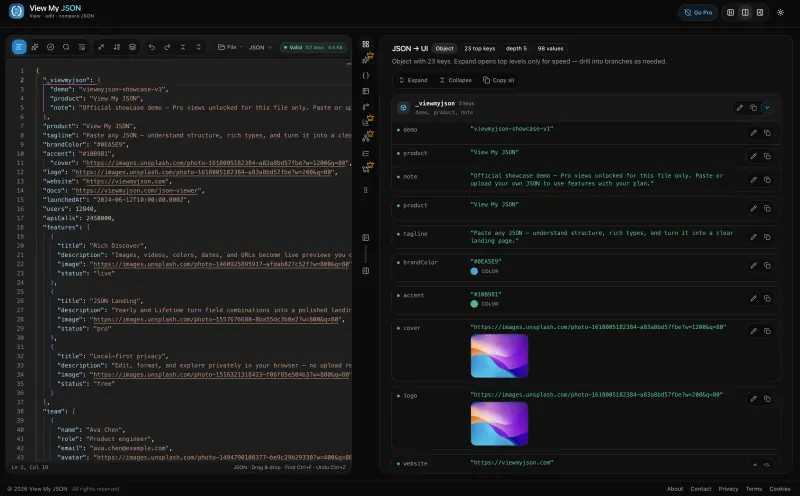
View my JSON in one place: paste once, then format, validate, and read it as cards, a rich UI, a table, a tree, charts, or a 3D graph. Spot images, videos, colors, and dates instantly — or turn the document into a landing page. Compare two payloads without opening another JSON tool tab.
Cards, table, and tree stay free. Switch views — including Rich media previews — without leaving the document. Pro adds cloud sync across devices.
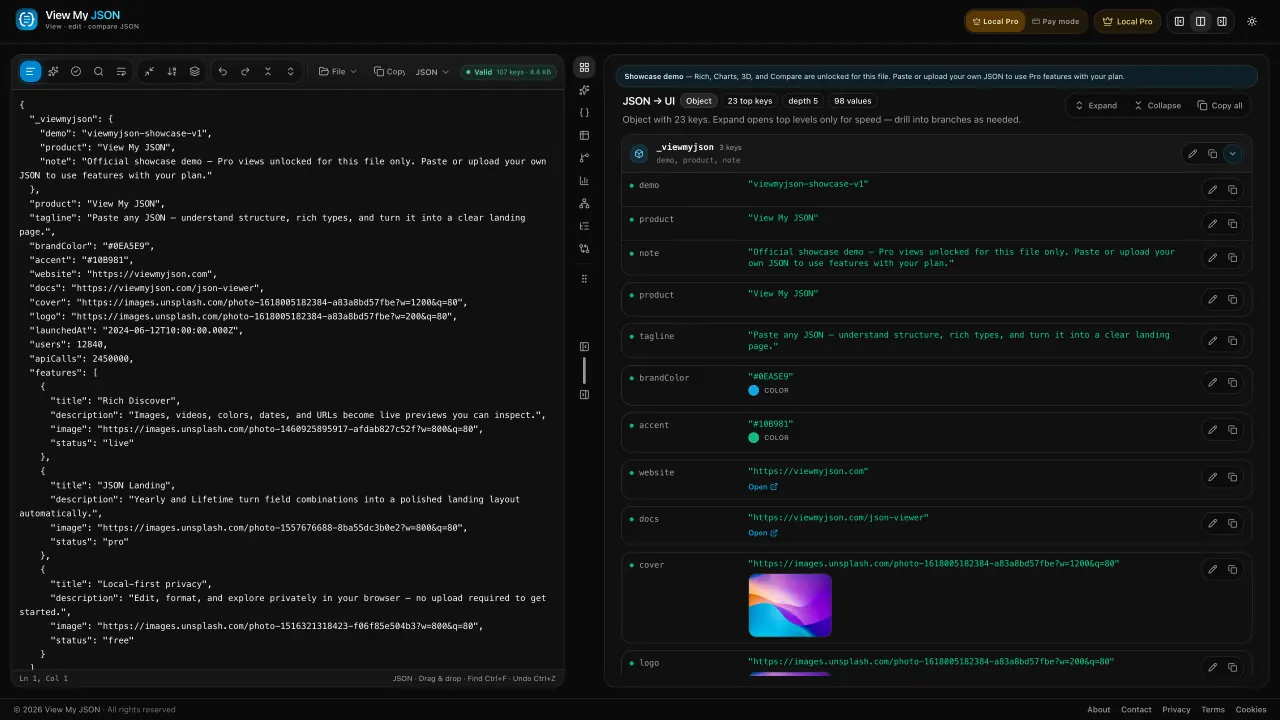
Type mix, nesting depth, and a numeric pulse across every number in the file.
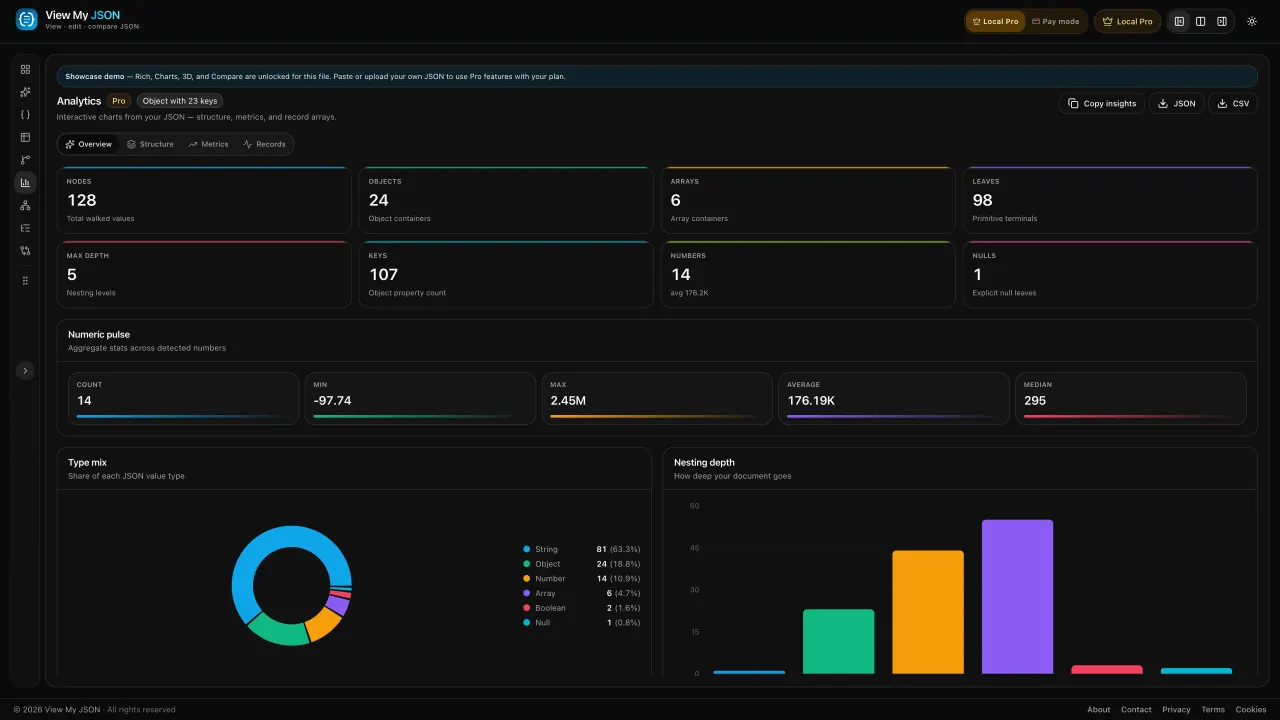
Added, removed, and changed paths, then a red and green text diff.
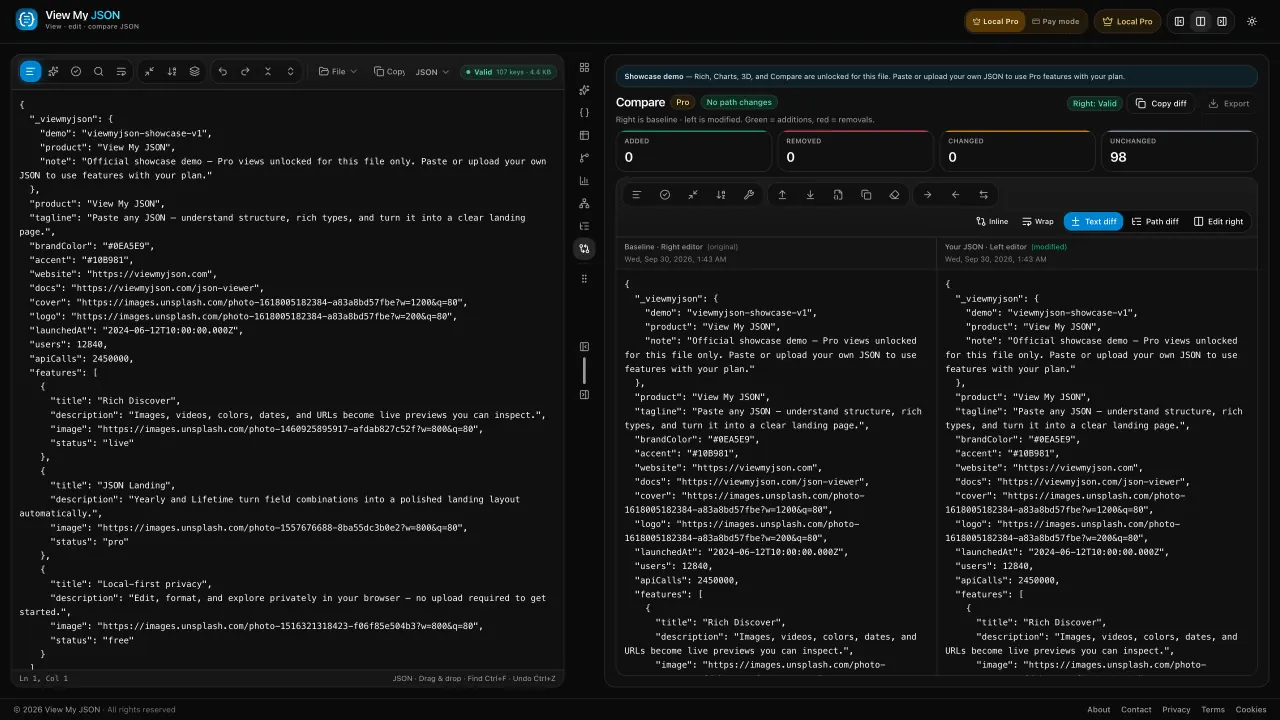
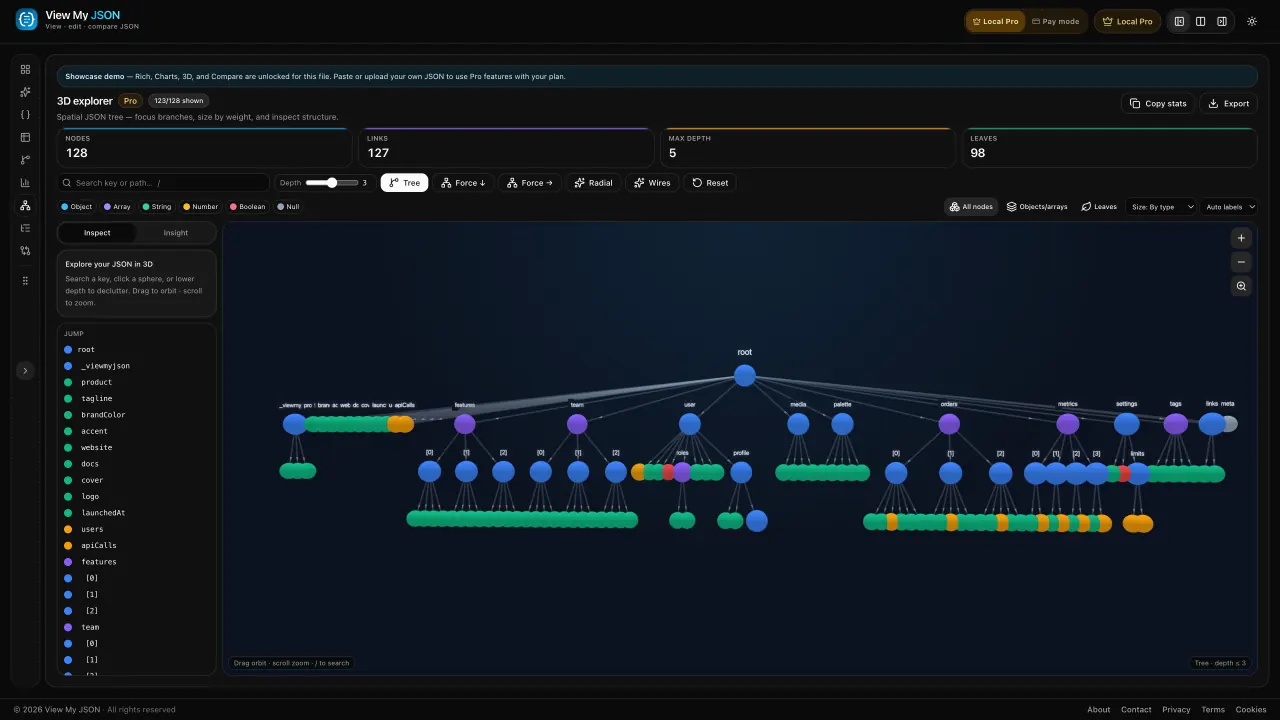
Force, tree, or radial. Click a node and follow the branch.
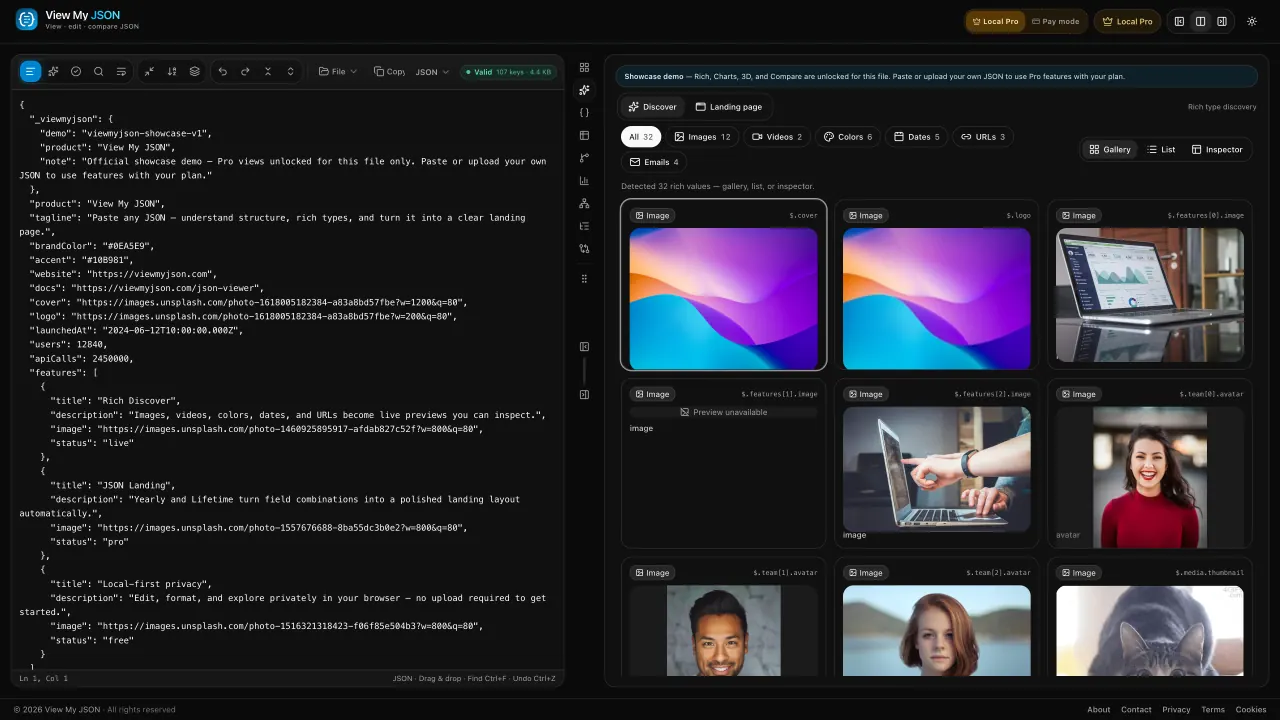
Images, videos, colors, and dates surface as a gallery. Click any media to open it full-screen. Yearly & Lifetime.
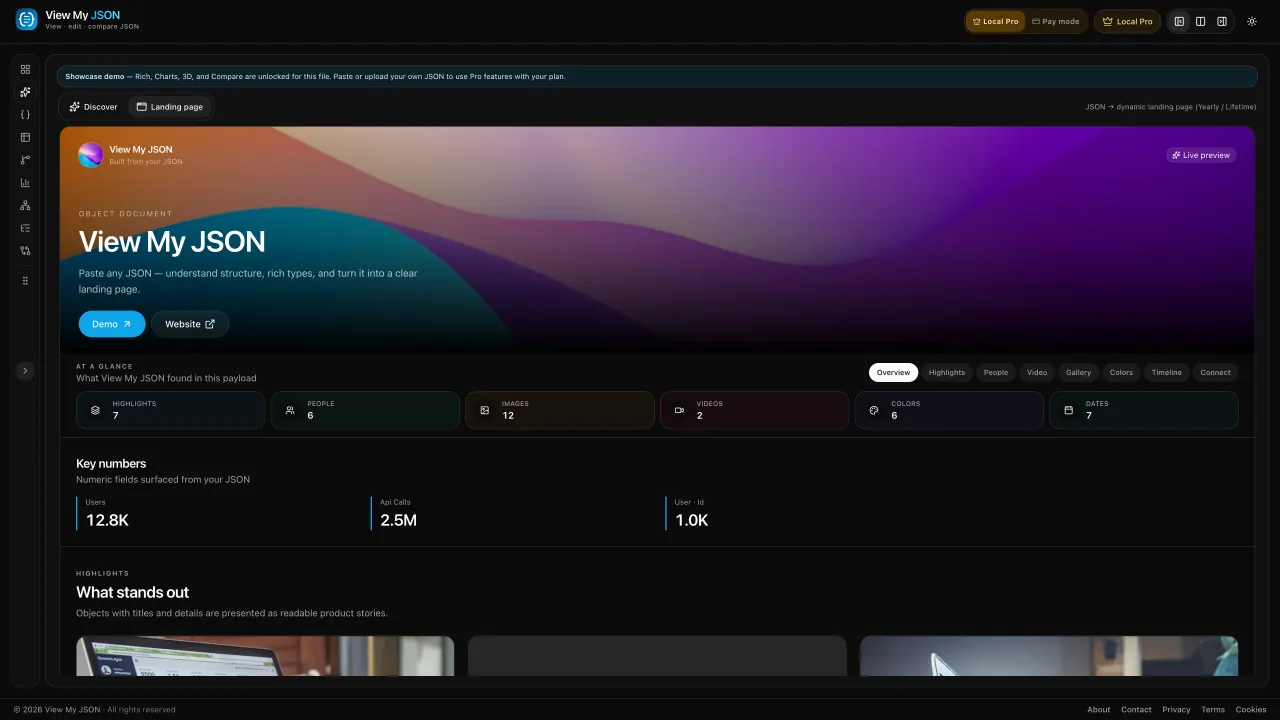
Turn structured JSON into a readable page — hero, gallery, people, and CTAs — without leaving the editor.
New · Cloud save & accounts
Paste in the web app, sign in, and upgrade to Pro to sync JSON across devices — plus Charts, 3D, Compare, and Rich on Yearly and Lifetime. Cloud save is app-only; the browser extension does not sync with saved JSON.
Create an account with email or Google. Your profile stays with you; cloud sync unlocks with Pro.
Every Pro plan syncs JSON to your account so you can open the same document on laptop, tablet, or phone.
Saved JSON syncs in the View My JSON app after you sign in and upgrade. The Chrome extension only views JSON in browser tabs — it does not show or sync your cloud saves.
What Pro adds
The free extension beautifies JSON in the browser tab you open — API responses and .json files. It is separate from Pro cloud save in the web app; nothing here syncs with your saved documents.
 Free on theChrome Web StoreChrome · Edge · Browser tabs only · Not linked to cloud saves
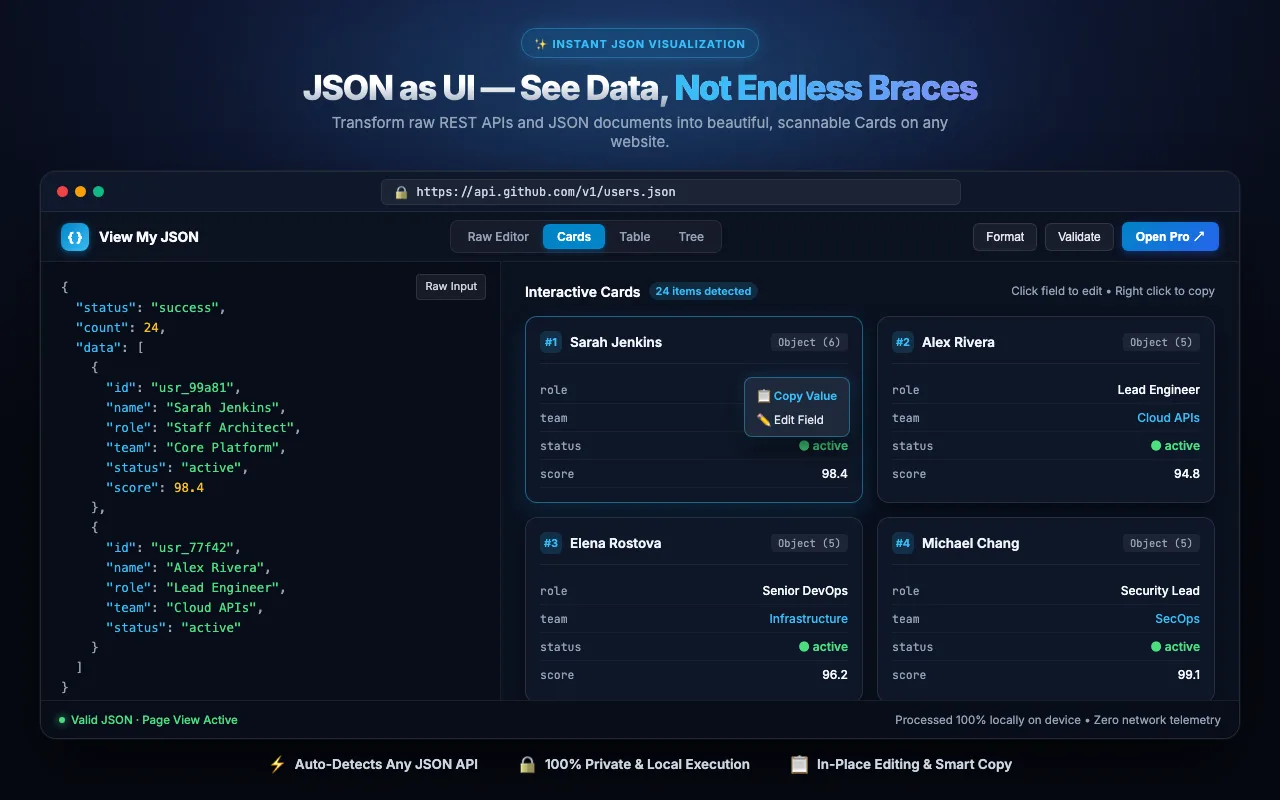
Install free from the Chrome Web Store. Works in Edge too.
Visit an API endpoint or .json file — it renders as UI instantly, on that page only.
Open Pro sends that tab’s JSON to the web app once. Cloud save lives in the app — the extension does not sync saved JSON.
View My JSON is an online JSON workspace — not only another formatter. Paste once to view, edit, format, validate, compare, and visualize JSON in your browser on viewmyjson.com. Looking for a free jsoneditor or onlinejsoneditor? Open the app to edit JSON online with format, validate, and visual views in one place.
One JSON document. Multiple ways to understand it — Cards, Table, Tree, Graph, Charts, Compare, and 3D — with format and validate in the same session. That is the product difference versus single-purpose formatter or validator sites.
Core viewing, formatting, and validation run locally:
Searching for a free JSON editor online, jsoneditor, or onlinejsoneditor? Open View My JSON to edit, format, and validate JSON in your browser — then read the same payload as Cards, Table, or Tree. Read the free online JSON editor guide.
Ready to try it? Open the free workspace · Free JSON editor online · All JSON tools · Compare vs other JSON tools
The same JSON, shown the way you need to read it — including Rich media and a live landing page. Drag, scroll, or click a card.
Turn structured JSON into a polished page with hero, gallery, and CTAs
Images, videos, colors, and dates detected and previewed from your JSON
Nodes, keys, type mix, and nesting depth
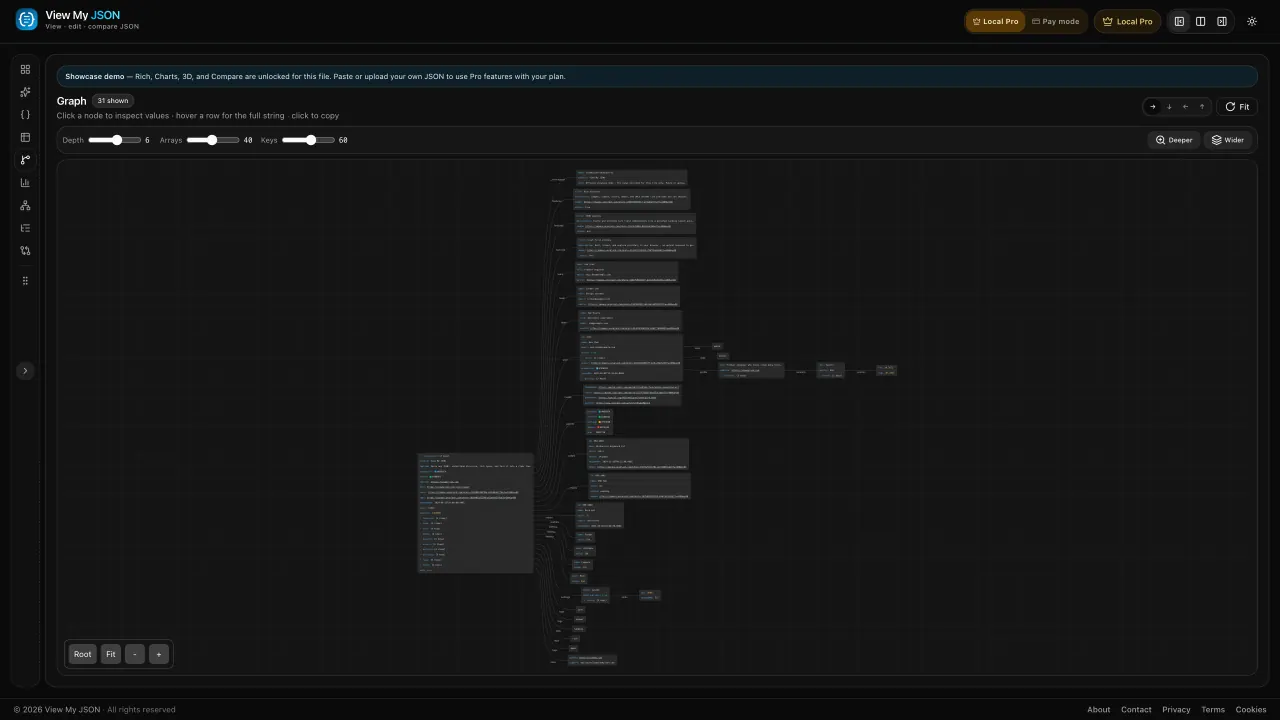
Pan and zoom a node graph of your JSON — click a node to inspect values
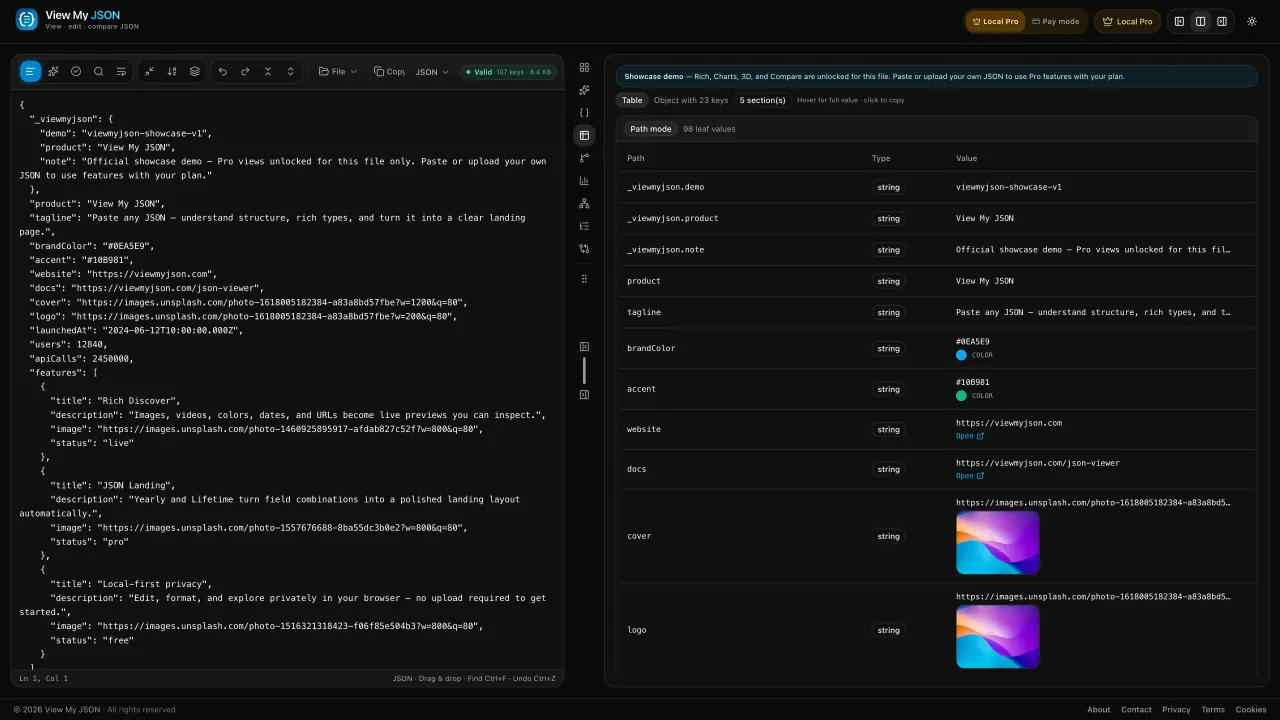
Every object in an array, one row per record
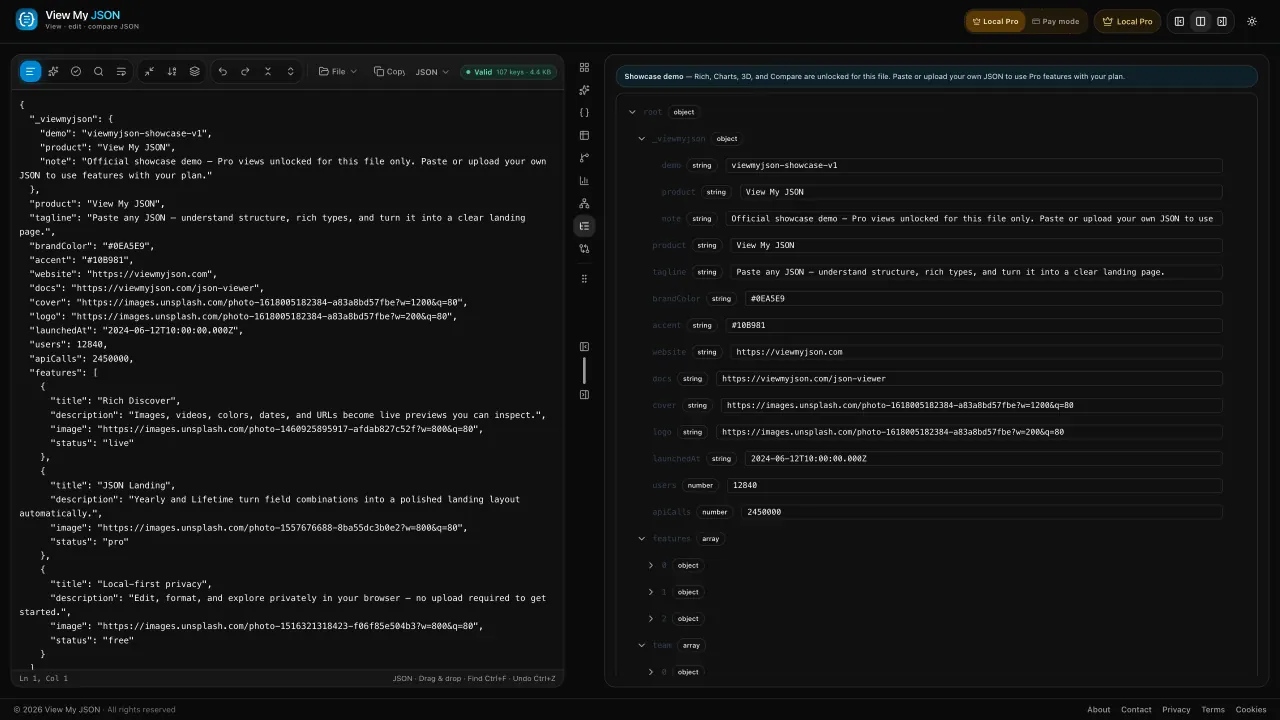
Expand a branch, copy a value, keep going
Green additions, red removals, path counts
Force, tree, or radial layout of the same document
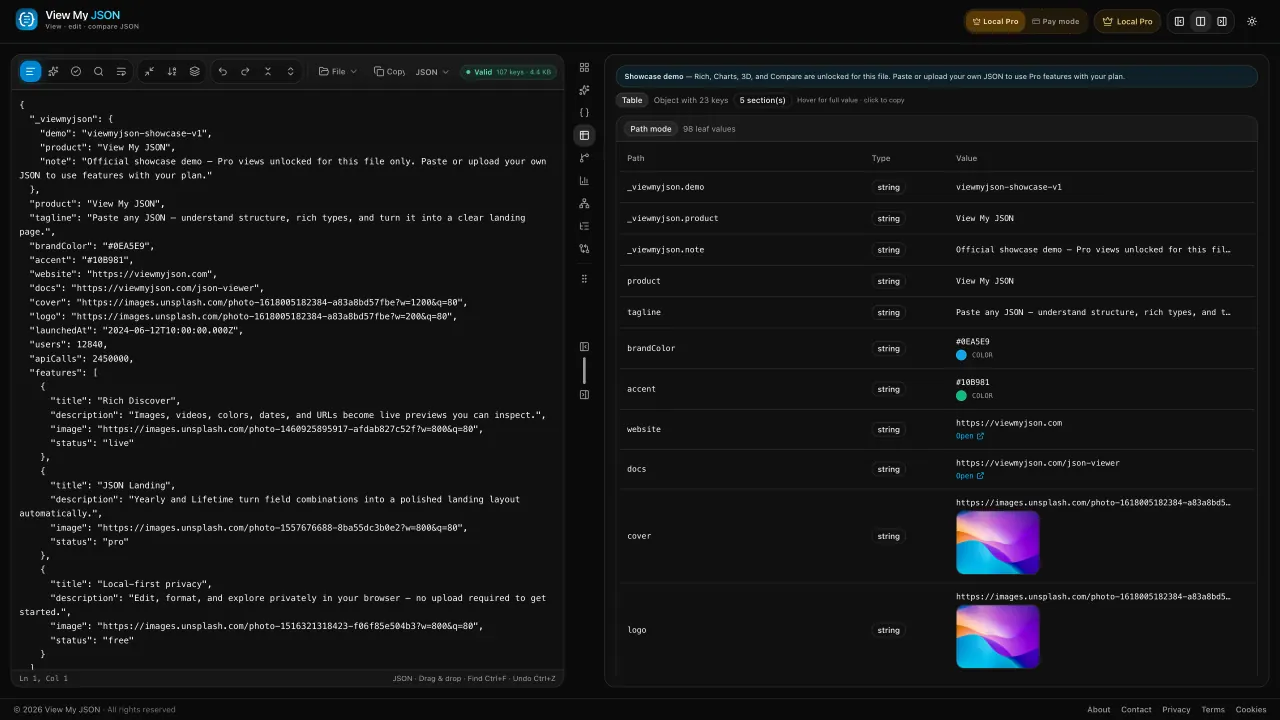
Edit the source and watch the table update
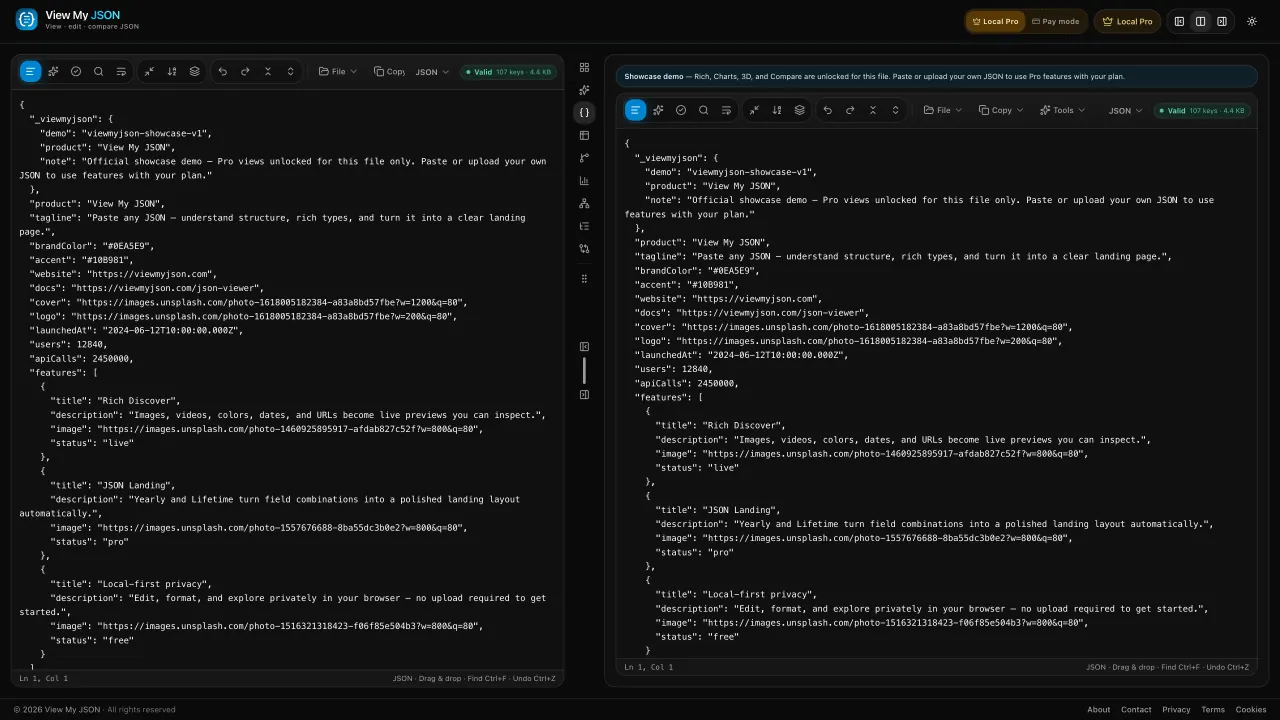
Keep a second payload open beside the first
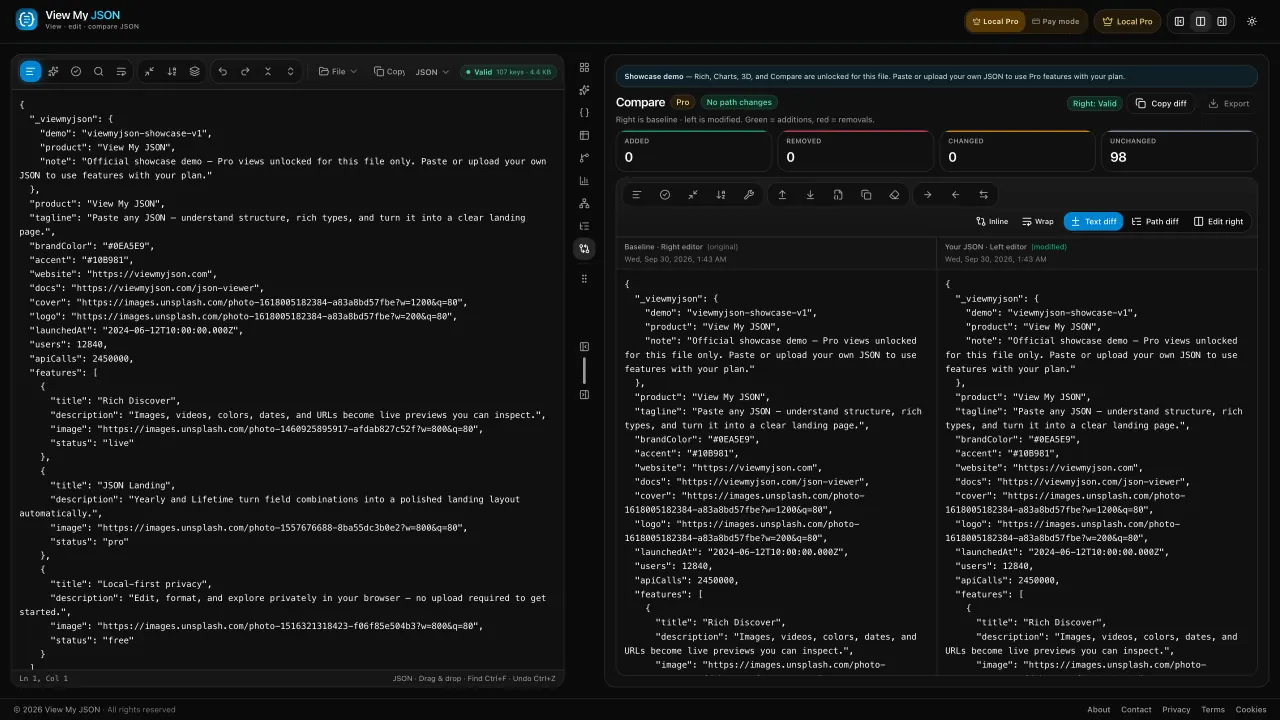
Baseline on the right, your JSON on the left
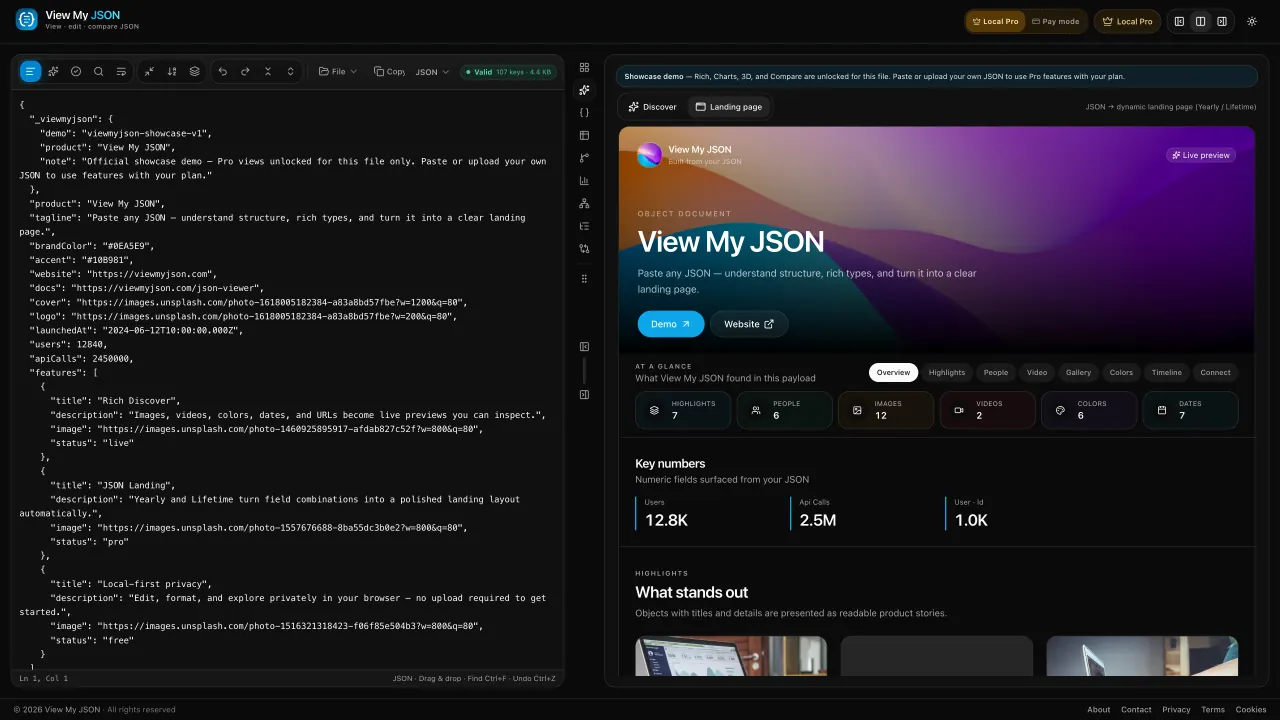
Edit JSON on the left — the landing preview updates on the right
Paste once. Format, validate, and explore in the same ViewMyJSON workspace — then compare when you need a JSON diff.
Open the appDrop a file or paste a payload. Use View My JSON as your JSON formatter online — pretty-print or minify stays in the browser.
Run the JSON validator, then read the same document as cards, a table, or a tree. Sign in when you want an account — Pro unlocks cloud save, charts, and 3D.
Diff two payloads with Compare, explore Rich / Landing on Yearly+, or sync JSON across devices with Pro cloud save in the web app. The Chrome extension only views JSON tabs in the browser — it does not sync cloud saves.
Cards stay free. Pro unlocks cloud JSON save, Charts, 3D, and Compare — Yearly and Lifetime also include Rich Discover and the JSON Landing page.
Perfect for trying Pro on a single project
What's included:
Ideal when you use Rich and Landing often
Everything in Monthly, plus:
For builders who want Pro forever on this browser
Everything in Yearly, plus:
Free JSON viewer, formatter, validator, and Pro compare — answers for viewmyjson.com
Yes. View My JSON (viewmyjson) is a free online JSON viewer for cards, table, tree, format, and validate in your browser. Charts, 3D, Compare, and cloud JSON save are Pro. Rich Discover and the JSON Landing page come with Yearly and Lifetime.