
View My JSONSee it as UI
Online JSON workspace — view, edit, format, validate, compare, and visualize. Paste once explore Cards, Table, Tree, Graph, Charts, or 3D in your browser.
No signup · Browser-based · Privacy-focused · Works in Chrome & Edge
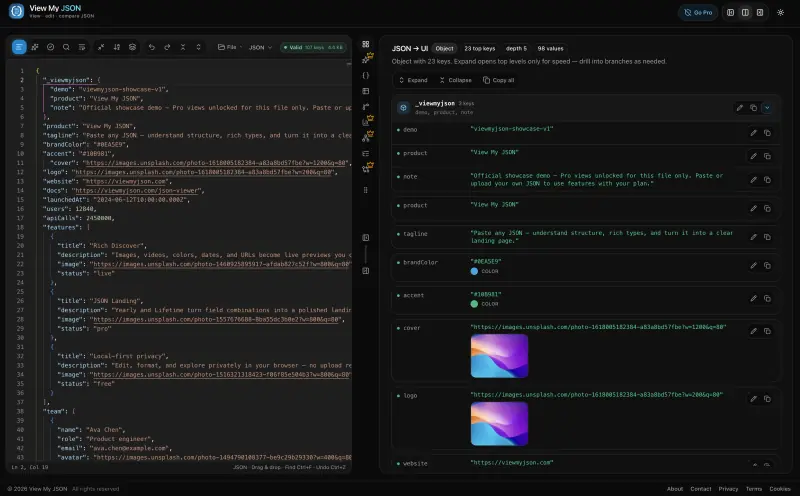
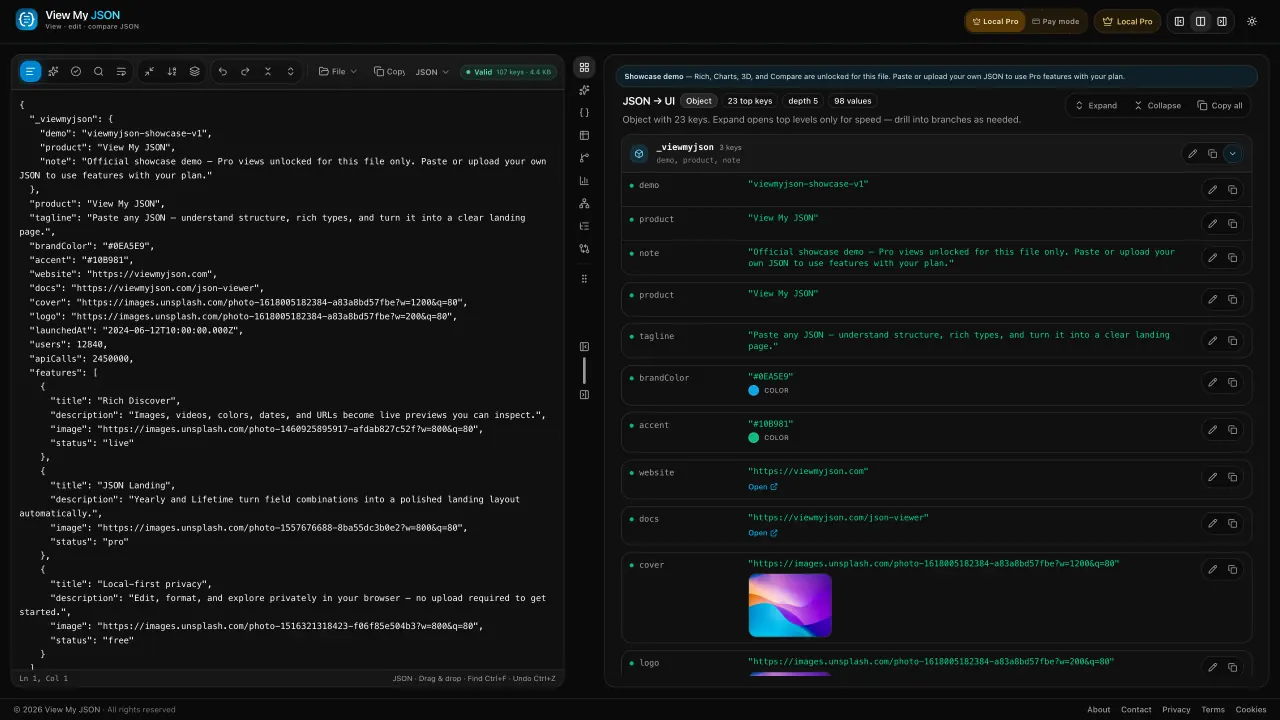
View my JSON in one place: paste once, then format, validate, and read it as cards, a rich UI, a table, a tree, charts, or a 3D graph. Spot images, videos, colors, and dates instantly — or turn the document into a landing page. Compare two payloads without opening another JSON tool tab.
Free JSON viewer features — cards, table, tree & more
One workspace for every view
Cards, table, and tree stay free. Switch views — including Rich media previews — without leaving the document.
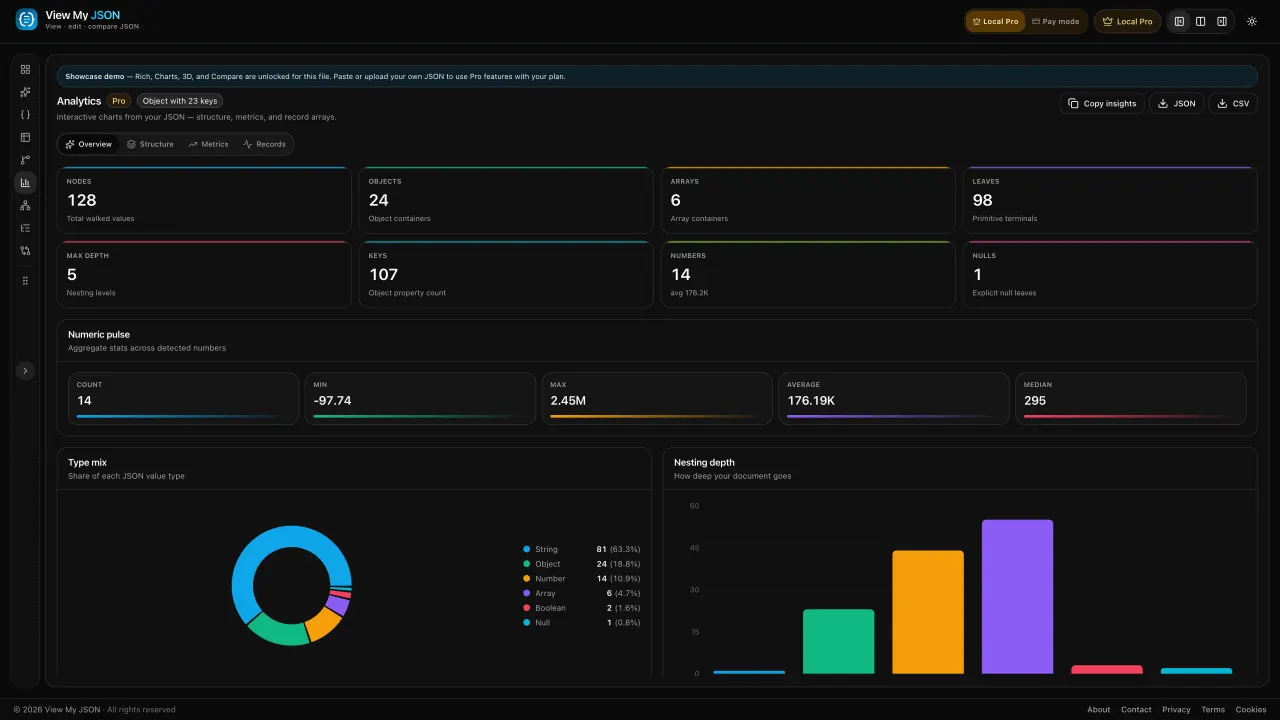
Charts
Type mix, nesting depth, and a numeric pulse across every number in the file.
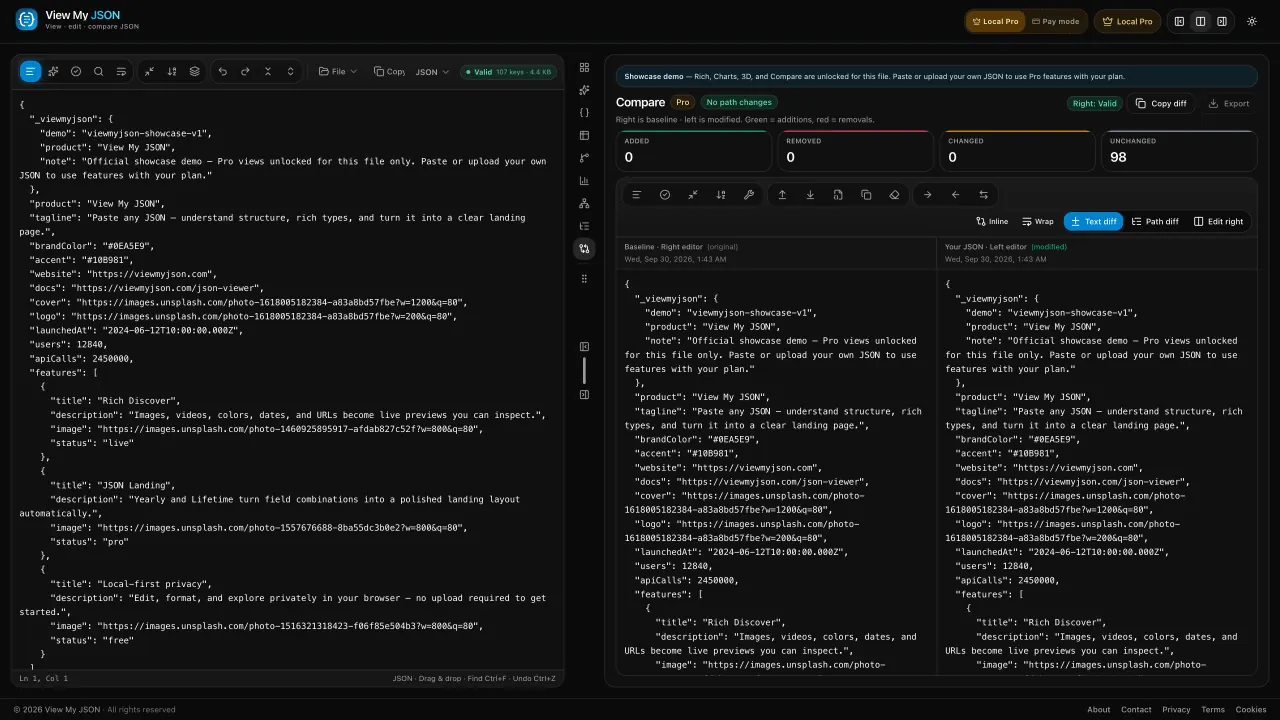
Compare
Added, removed, and changed paths, then a red and green text diff.
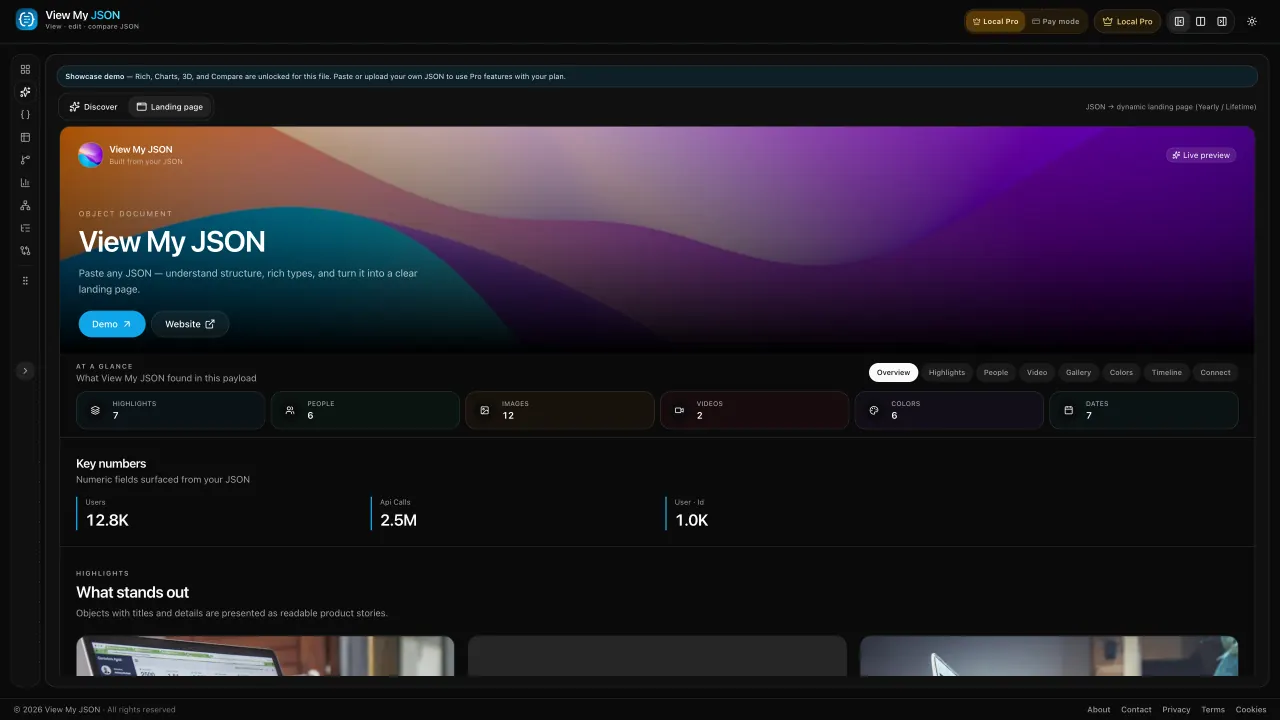
3D explorer
Force, tree, or radial. Click a node and follow the branch.
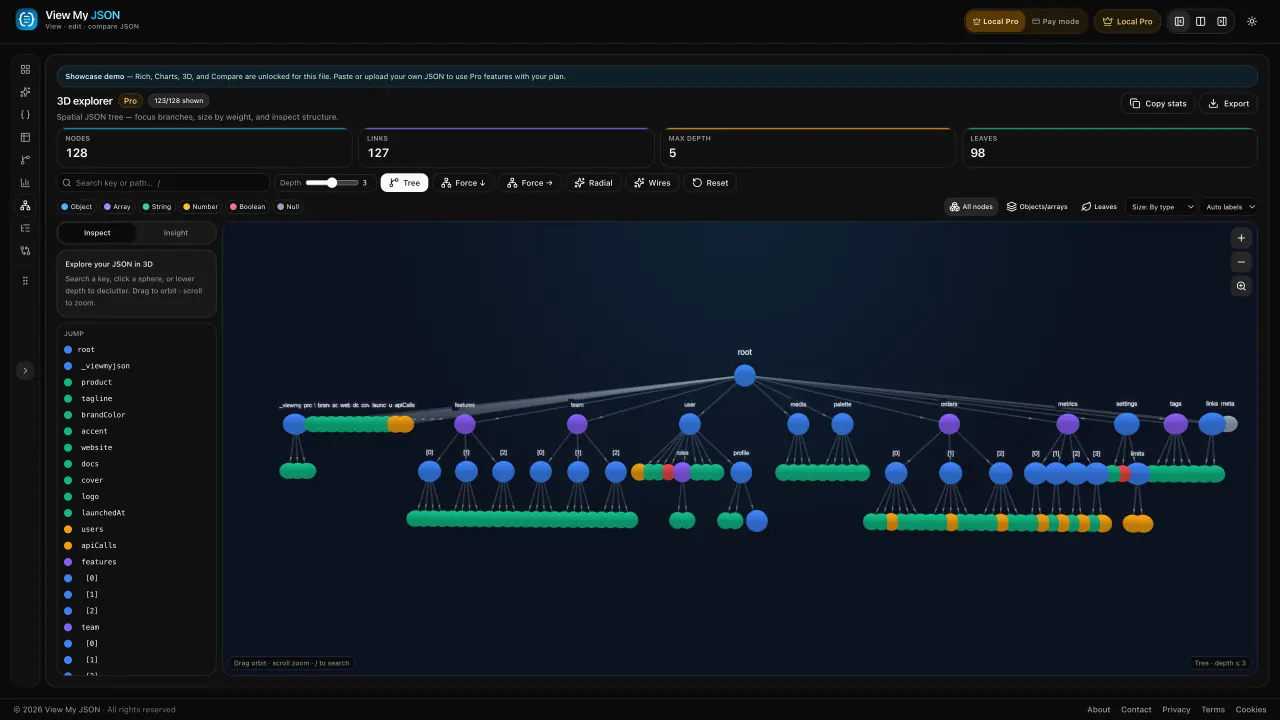
Rich Discover
Images, videos, colors, and dates surface as a gallery. Click any media to open it full-screen. Yearly & Lifetime.
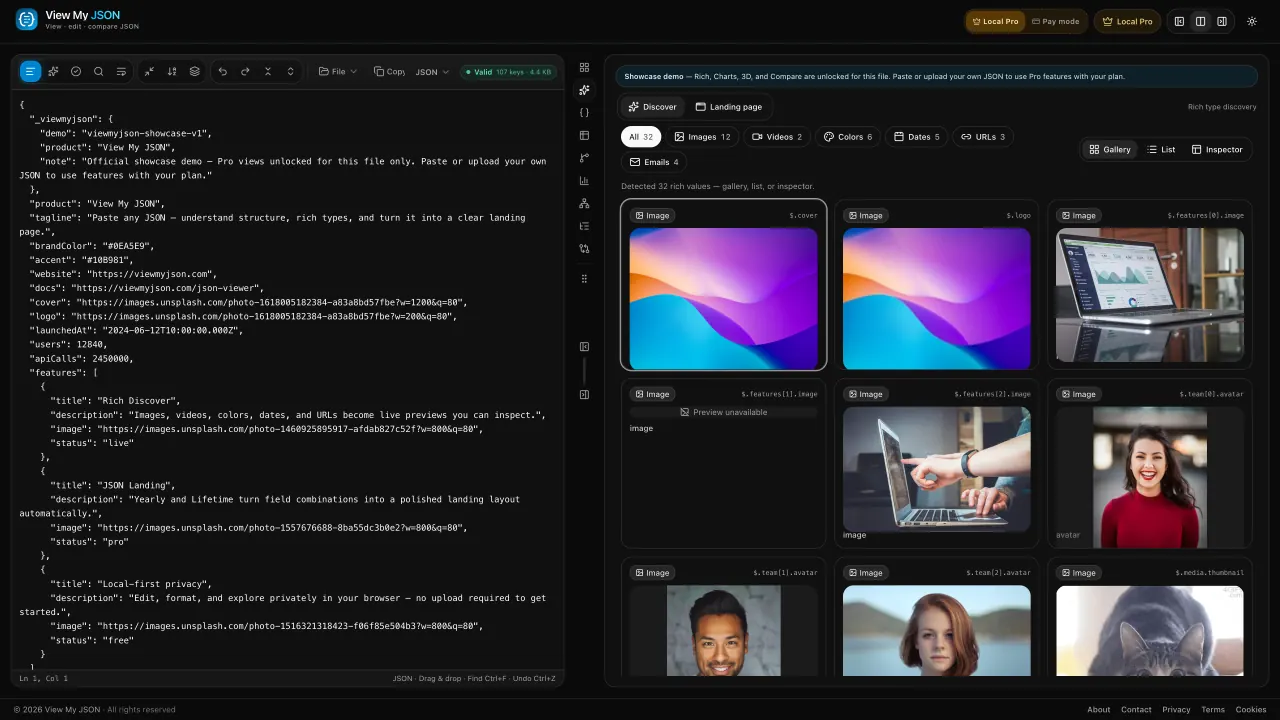
JSON → Landing page
Turn structured JSON into a readable page — hero, gallery, people, and CTAs — without leaving the editor.
View JSON right where you find it
Stop squinting at raw braces in the browser. The free View My JSON extension turns every JSON response into a readable UI — no copy, no paste.
- Opens raw JSON tabs as Cards, Table, or Tree automatically
- Side Panel mode keeps the page untouched while you explore
- Format, validate, and copy — parsed locally, nothing uploaded
- One click hands off to Graph, Charts, 3D, or Compare in the app
 Free on theChrome Web StoreChrome · Edge · No account needed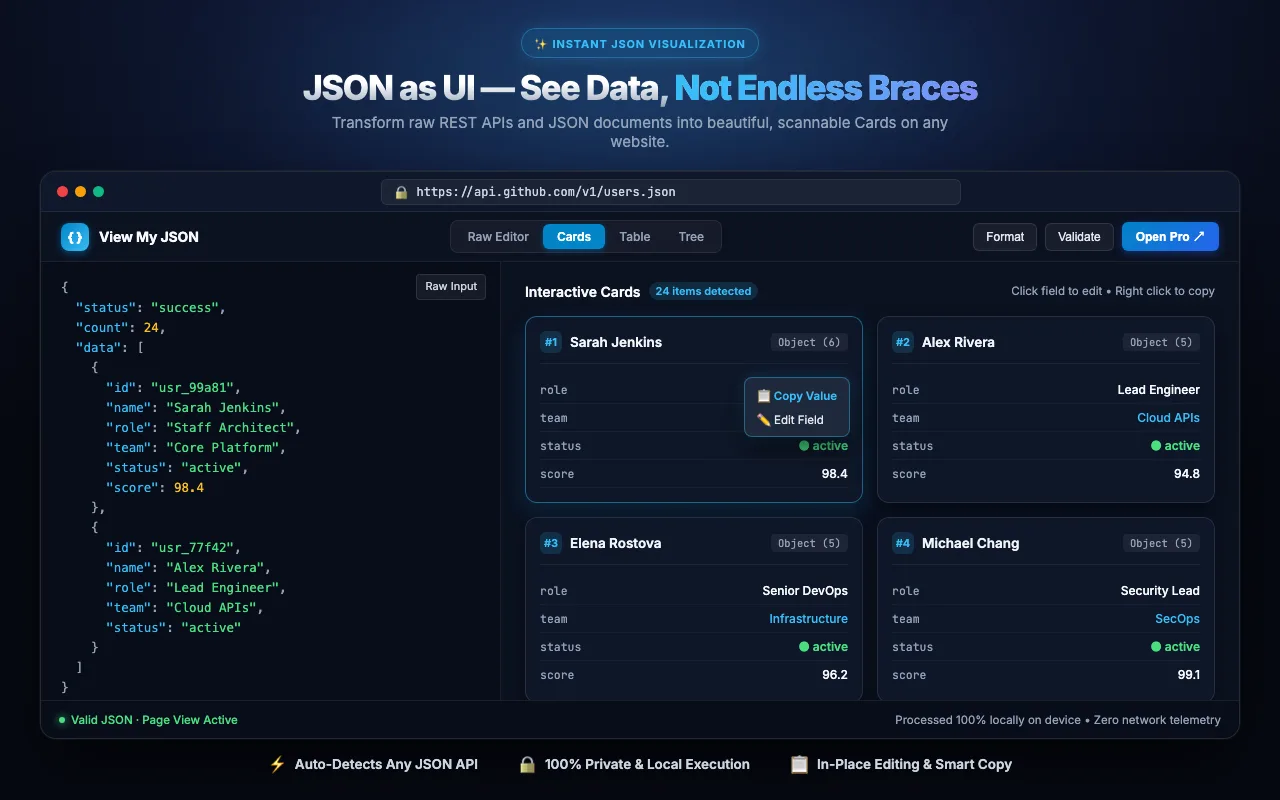
- 1
Add to Chrome
Install free from the Chrome Web Store. Works in Edge too.
- 2
Open any JSON
Visit an API endpoint or .json file — it renders as UI instantly.
- 3
Pick your view
Switch Cards, Table, Tree, or move it to the Side Panel.
Online JSON Viewer, Editor & Visualizer
View My JSON is an online JSON workspace — not only another formatter. Paste once to view, edit, format, validate, compare, and visualize JSON in your browser on viewmyjson.com.
Everything you need to work with JSON
- Online JSON Viewer
- JSON Formatter Online
- JSON Validator Online
- JSON Beautifier
- Pretty Print JSON Online
- JSON Minifier Online
- JSON Editor Online
- JSON to Table Converter
- JSON Tree Viewer
- JSON Comparator
- JSON Diff Online
- JSON Visualizer
- JSON Graph Viewer
- JSON 3D Viewer
Why View My JSON?
One JSON document. Multiple ways to understand it — Cards, Table, Tree, Graph, Charts, Compare, and 3D — with format and validate in the same session. That is the product difference versus single-purpose formatter or validator sites.
Your JSON stays in your browser
Core viewing, formatting, and validation run locally:
- Paste JSON
- Browser parses locally
- Render locally as UI
- No account required for free core tools
Tool categories
- Viewing — Read nested JSON as Cards, Table, or Tree.
- Editing — Paste, edit, upload, and fix payloads in one workspace.
- Formatting — Pretty-print, beautify, minify — then keep exploring.
- Validation — Catch syntax errors before you debug logic.
- Compare — Diff two payloads path-by-path.
- Visualization — Graph, charts, and 3D for structure you can see.
Guides (blog)
- How to view JSON online
- How to format JSON
- How to validate JSON
- How to compare JSON
- All View My JSON guides
Ready to try it? Open the free workspace · All JSON tools · Compare vs other JSON tools
See every view
The same JSON, shown the way you need to read it — including Rich media and a live landing page. Drag, scroll, or click a card.
Turn structured JSON into a polished page with hero, gallery, and CTAs
Images, videos, colors, and dates detected and previewed from your JSON
Nodes, keys, type mix, and nesting depth
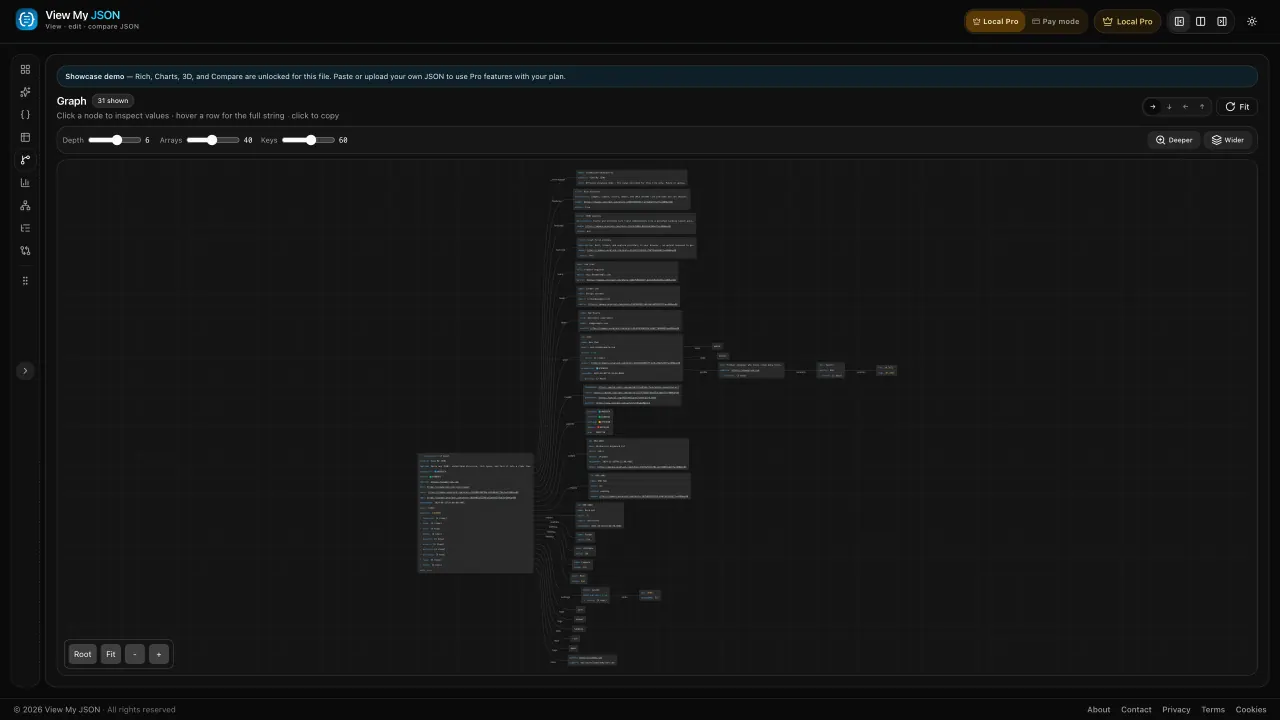
Pan and zoom a node graph of your JSON — click a node to inspect values
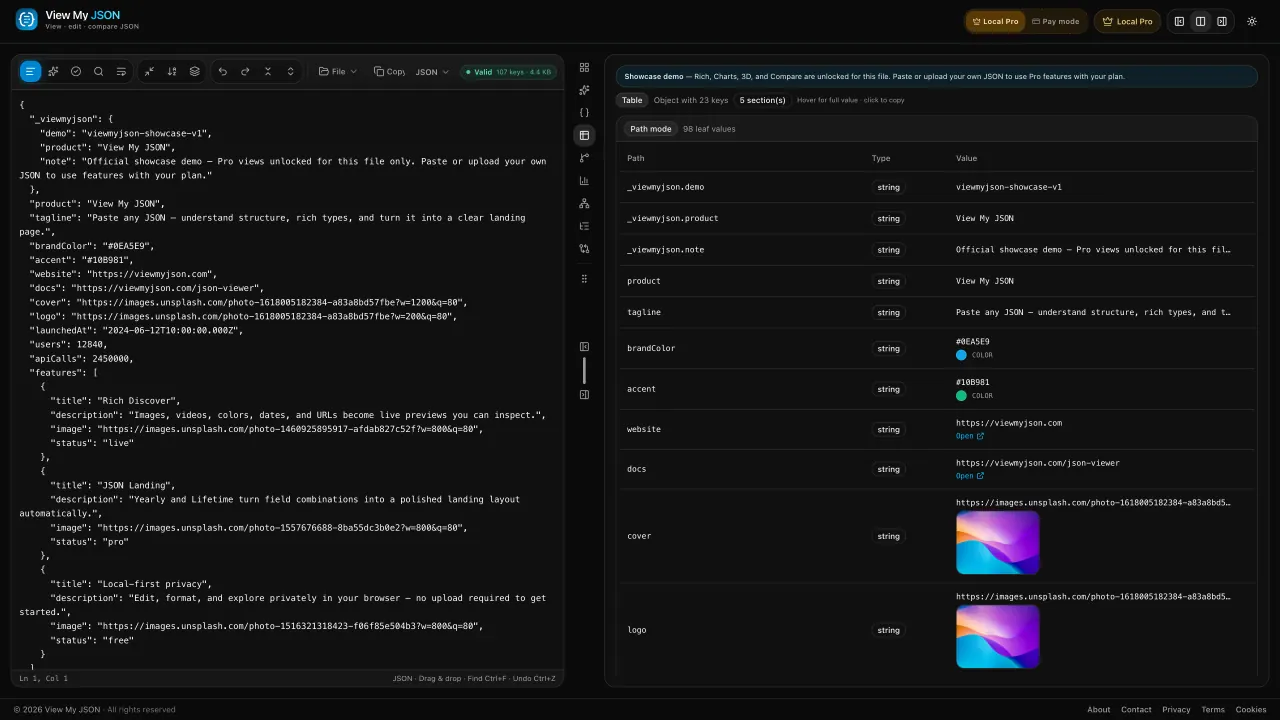
Every object in an array, one row per record
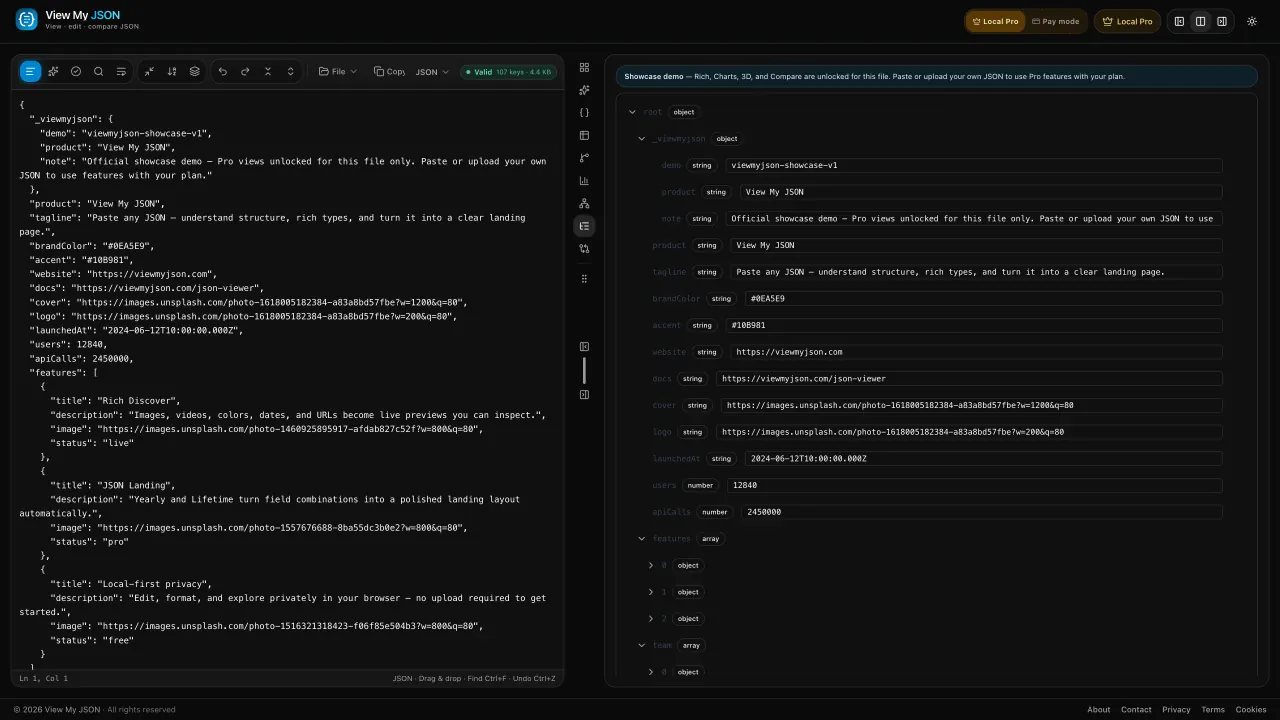
Expand a branch, copy a value, keep going
Green additions, red removals, path counts
Force, tree, or radial layout of the same document
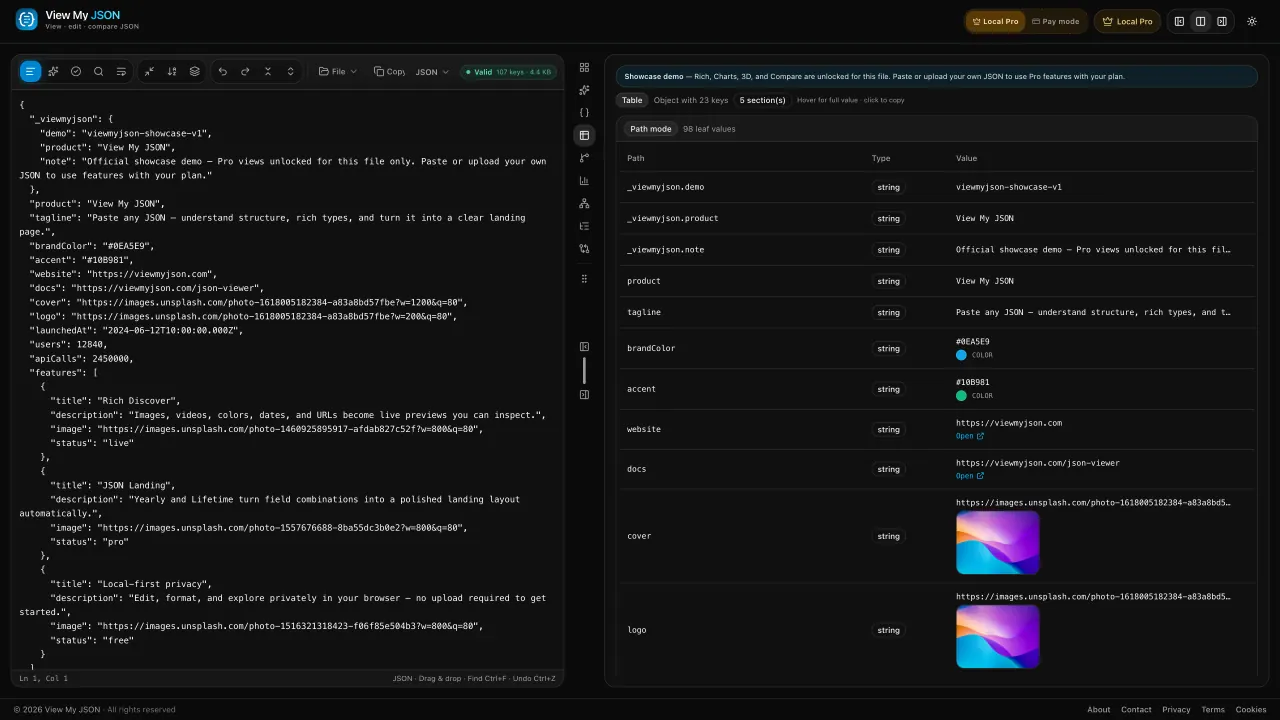
Edit the source and watch the table update
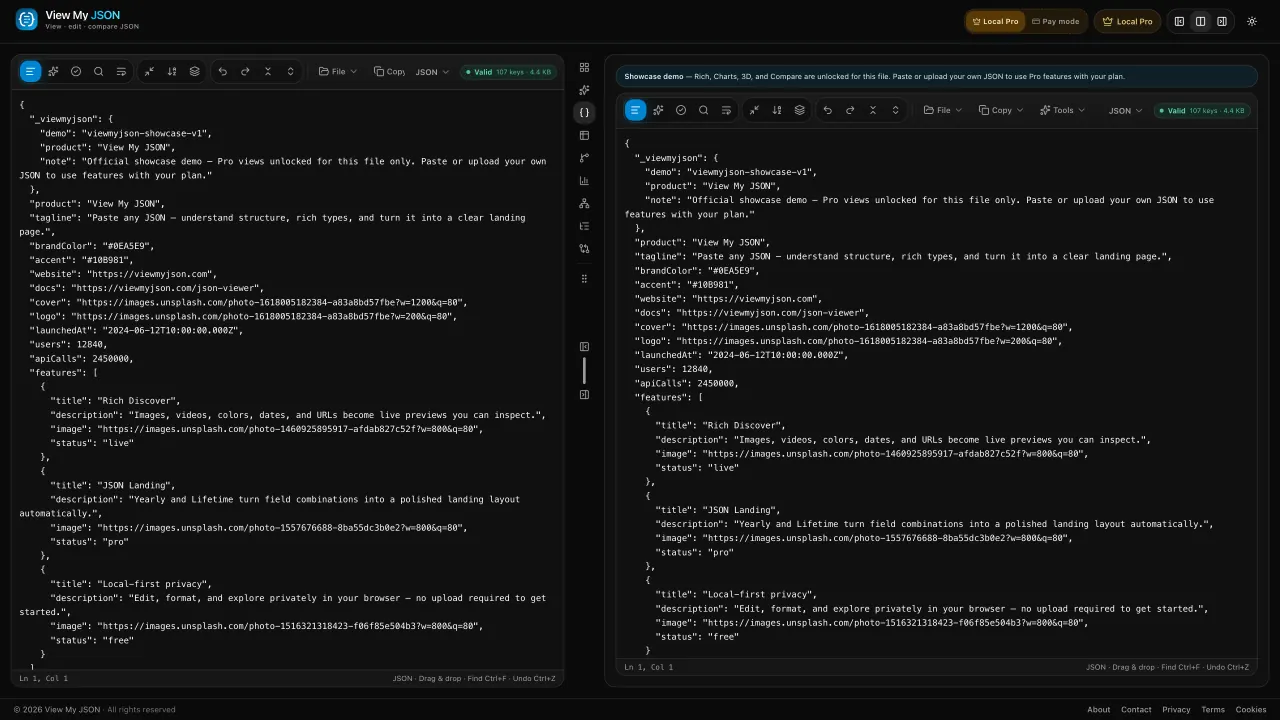
Keep a second payload open beside the first
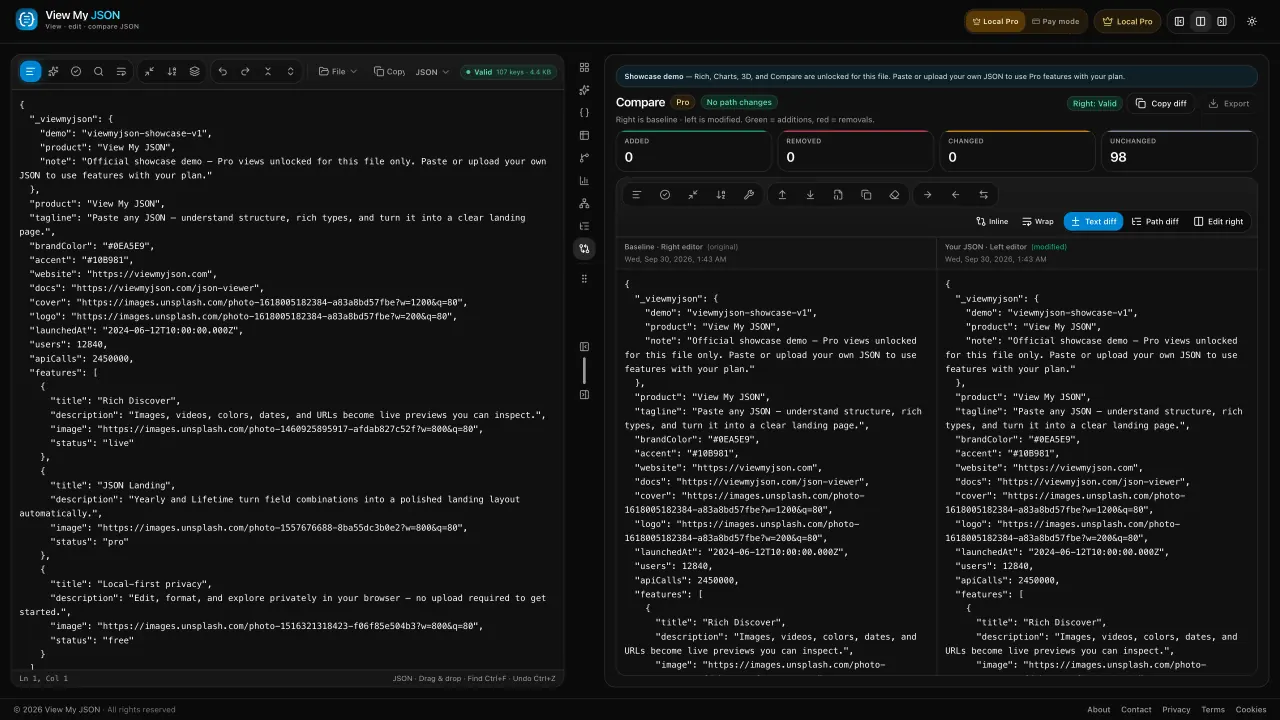
Baseline on the right, your JSON on the left
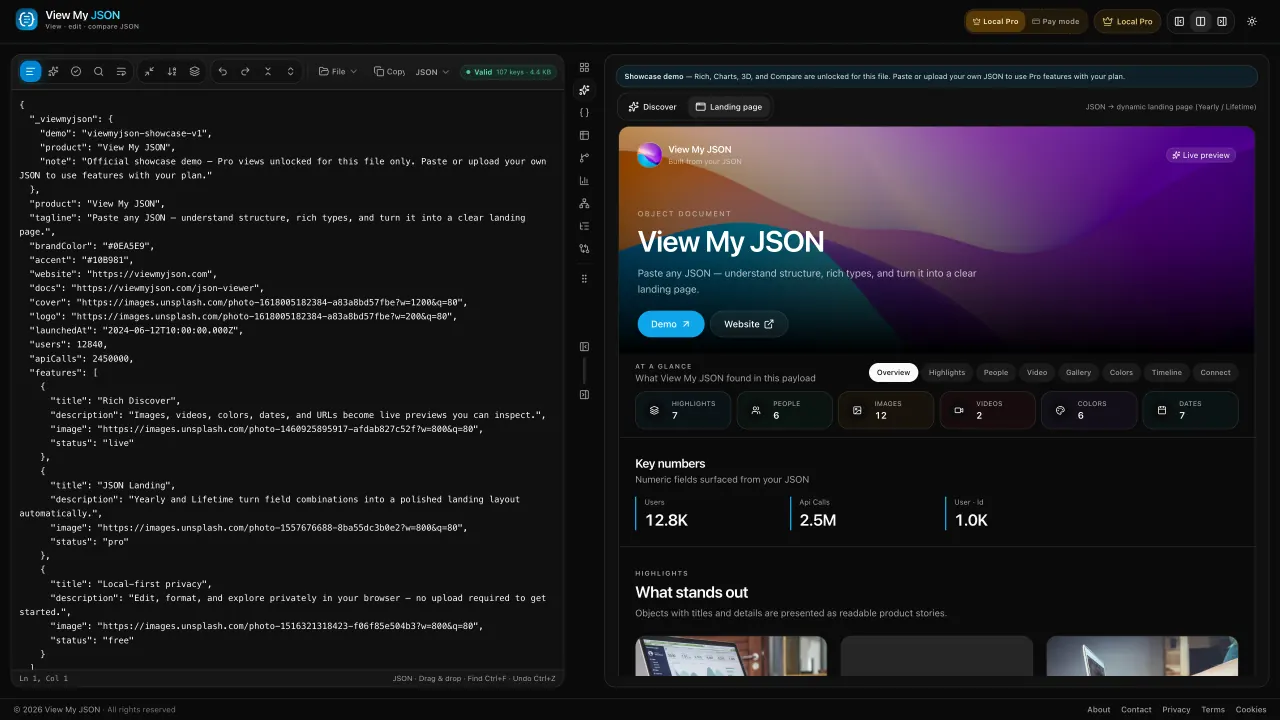
Edit JSON on the left — the landing preview updates on the right
How to view my JSON online
Paste once. Format, validate, and explore in the same ViewMyJSON workspace — then compare when you need a JSON diff.
Open the appPaste, format & beautify
Drop a file or paste a payload. Use View My JSON as your JSON formatter online — pretty-print or minify stays in the browser.
Validate & view my JSON
Run the JSON validator, then read the same document as cards, a table, or a tree. Pro adds charts and 3D; Yearly unlocks Rich media and a landing-page preview.
Compare / JSON diff
Keep one payload as the baseline and paste the other. Path counts and a red-green text diff show what changed — no extra JSON comparator tab.
Choose your plan
Cards stay free. Pro unlocks Charts, 3D, and Compare — Yearly and Lifetime also include Rich Discover and the JSON Landing page.
Monthly
Perfect for trying Pro on a single project
What's included:
- Charts and numeric pulse
- 3D explorer
- Compare and text diff
- Ad-free workspace
Yearly
Ideal when you use Rich and Landing often
Everything in Monthly, plus:
- Rich Discover (media, colors, dates)
- JSON → Landing page
- Full-screen media viewer
- ≈ $0.83/mo · billed annually
Lifetime
For builders who want Pro forever on this browser
Everything in Yearly, plus:
- Pay once — no renewals
- Rich Discover + Landing page
- Charts, 3D, and Compare
- Ad-free forever here
FAQ about View My JSON
Free JSON viewer, formatter, validator, and Pro compare — answers for viewmyjson.com
Yes. View My JSON (viewmyjson) is a free online JSON viewer for cards, table, tree, format, and validate in your browser. Charts, 3D, and Compare are Pro. Rich Discover and the JSON Landing page come with Yearly and Lifetime.